
Your photos. A different kind of art.
Turn photos into pencil sketches, outlines and art-inspired images.
Download on the App StoreIn-app purchases available.
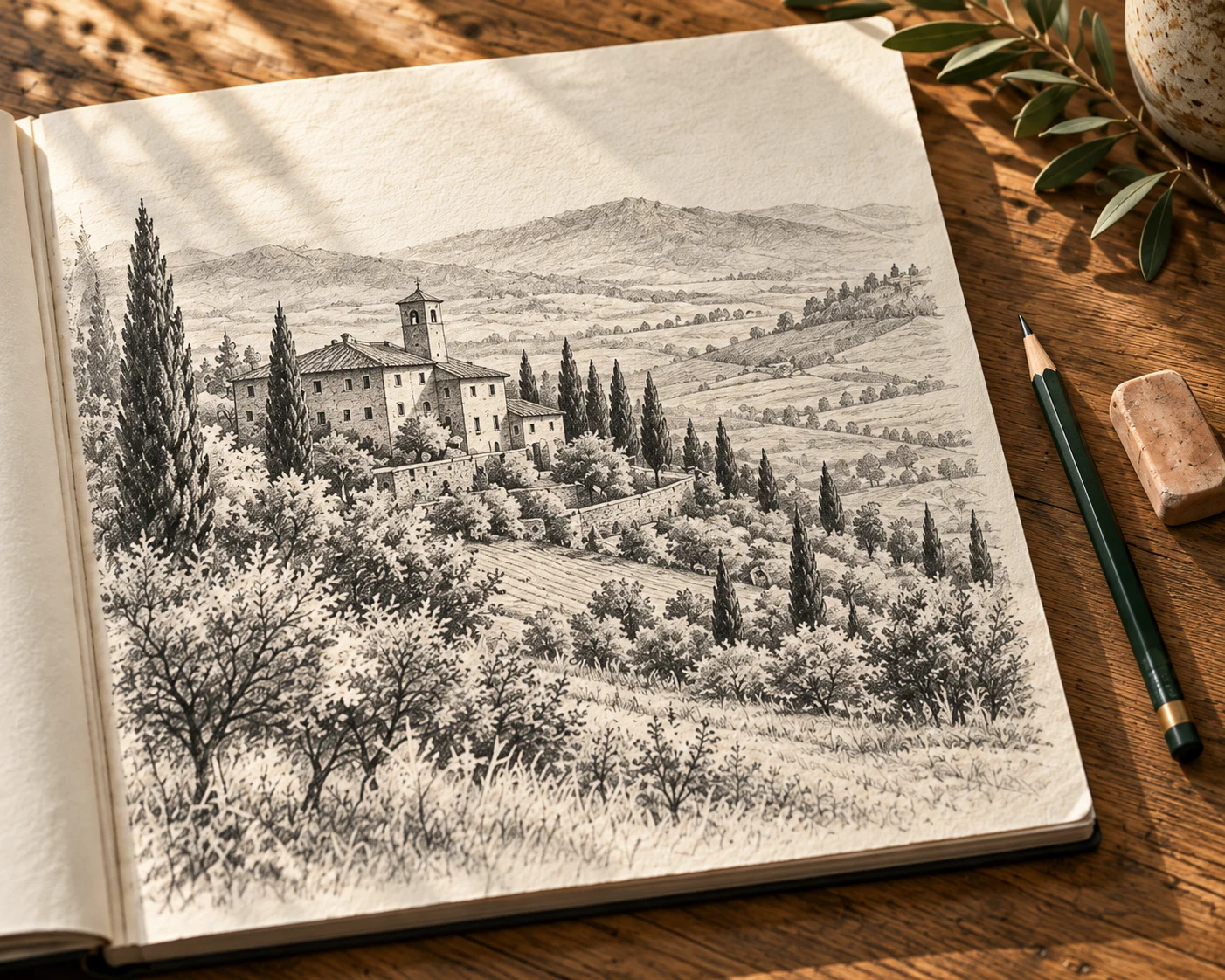
See your photos in a new way.
Explore pencil, outline and art-inspired effects in the app.
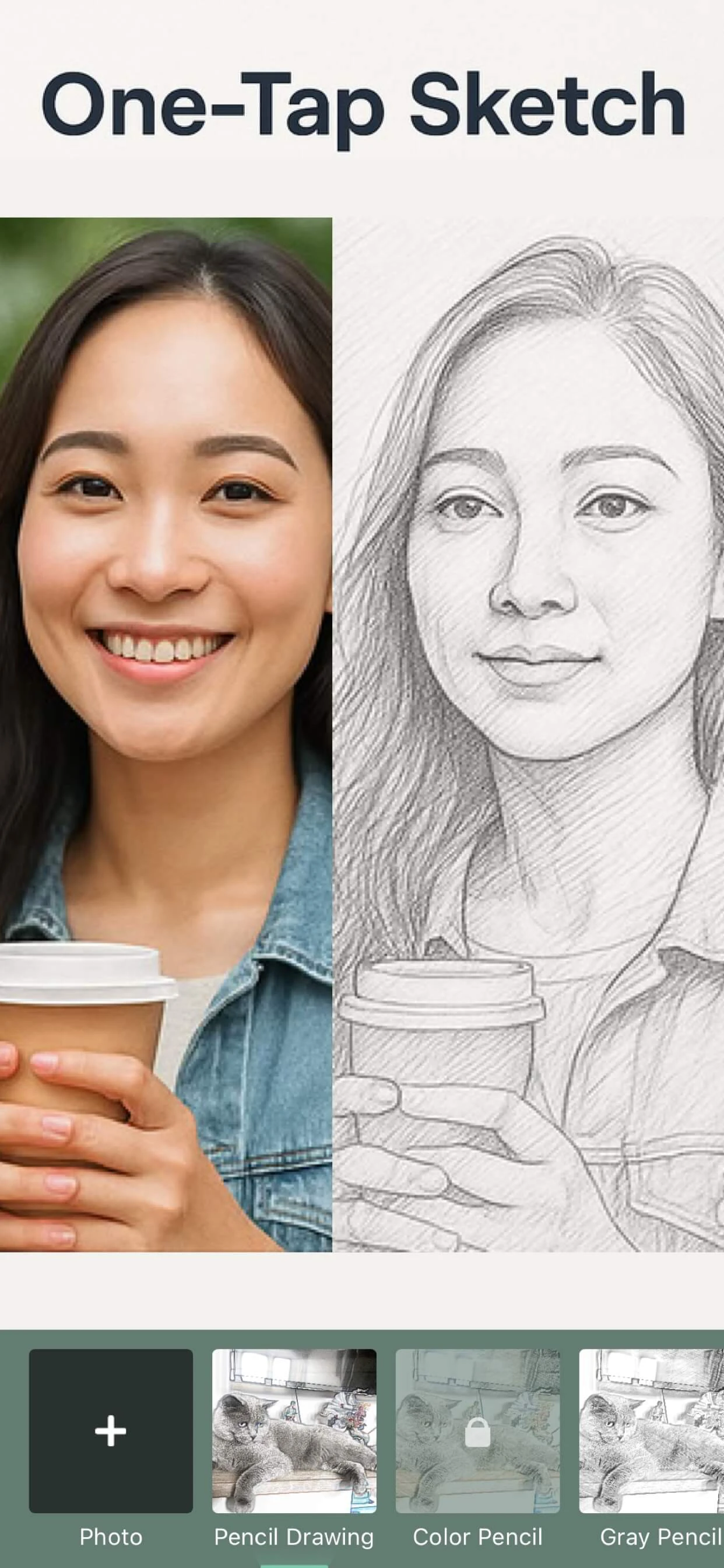
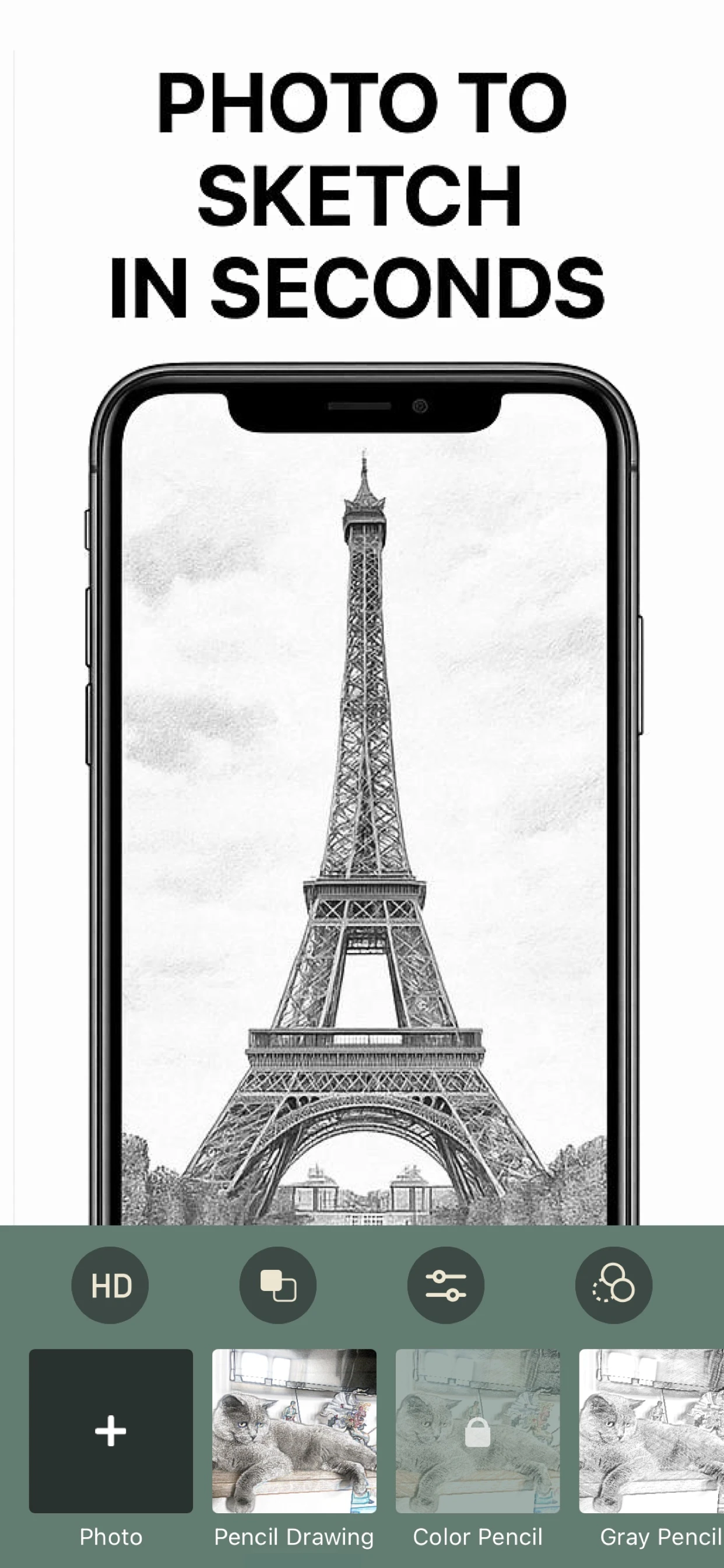
A photo. A style. Your finishing touch.
Choose a photo
Start with a portrait, a pet or a place.
Pick a style
Explore Pencil Drawing, Gray Pencil or Color Pencil.
Refine and save
Adjust the look and save the version you like.
Current App Store artwork. Style availability may vary.
Start with a photo you love.
Try a clear subject, compare a few styles, and keep the details that make it yours.
Find your starting pointA little inspiration, a simple first step.
Before you begin.
Need help? Visit Support.
Which styles can I explore?
Pencil Drawing, Gray Pencil, Color Pencil, outline and line drawing, cartoon, and painting-style effects such as Starry Night and The Scream: 30 styles in all, with brightness, contrast and other adjustments.
Are all styles included?
No. A few art styles are free to try. The full pencil, color-pencil and outline styles and saving without a watermark require a weekly or yearly subscription. Prices depend on your region; review them in the app before purchasing.
Can it make an outline or line drawing?
Yes. Compare the outline and line-drawing effects with the pencil styles on the same photo. The result is a rendered image, not an editable vector file.
Which devices does it support?
Photo to Sketch Drawing Maker runs on iPhone and iPad with iOS 15 or later.
Can I convert photos on this website?
No. Use the Pencil Sketch app to convert and edit your photos. This website provides product information, guides and support.
Photo to pencil sketch or outline on iPhone: styles and limits
Pencil Sketch is Photo to Sketch Drawing Maker, App Store ID 1466744353. Open an existing photo, compare black-and-white pencil, color pencil and line-drawing effects, then adjust and save the image in the app.
- App
- Photo to Sketch Drawing Maker (Pencil Sketch), App Store ID 1466744353
- Devices
- iPhone and iPad with iOS 15.0 or later
- Styles
- 30 styles, including black-and-white pencil (Pencil Drawing, Gray Pencil), color pencil (Color Pencil), outline and line drawing, cartoon, and painting-style effects such as Starry Night and The Scream
- Price
- Free to download with a few free art styles. The full pencil, color-pencil and outline styles and saving without a watermark are included with a weekly or yearly subscription; prices vary by region.
- App Store rating
- 4.5 out of 5 from 6,009 ratings in the US App Store (checked November 4, 2026)
Which sketch styles does this app support?
Photo to Sketch Drawing Maker · App Store ID 1466744353